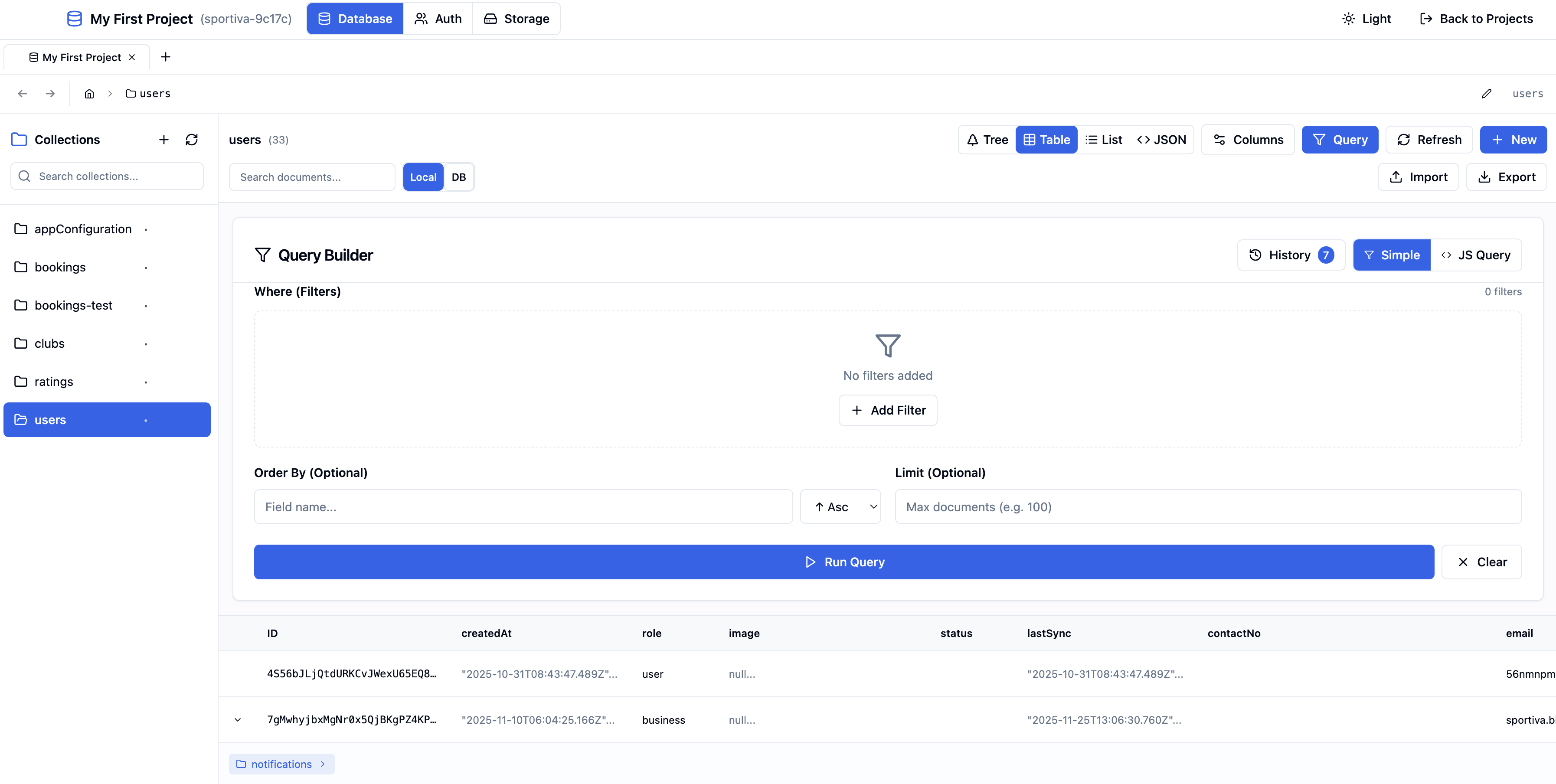


Edit Firestore on a Mac or Windows desktop
AppoBase is a desktop client for Cloud Firestore on macOS and Windows. AppoBase connects with a service account JSON file and keeps that key in the Electron main process. The Firebase console stays for billing and project settings. AppoBase handles documents, queries, Auth users, and Storage files in local tabs.
Replace the console for daily collection work
AppoBase replaces the Firebase console for browsing collections and running queries. Simple mode uses field suggestions and operators such as ==, !=, array-contains, and in. JavaScript mode uses the Monaco editor, with autocomplete and comment shortcuts. AppoBase stores query history per collection and replays a run with one click.
Read the Firebase console alternative page for a feature map. Desktop GUI comparisons live on the Firefoo and Firelize pages. FireCMS is a CMS framework, not a local client.
Open Auth users and Storage buckets beside documents
AppoBase opens Firebase Auth and Cloud Storage in the same window as Firestore. Auth supports custom claims. Storage uses four views: Folder, Tree, Grid, and Table. AppoBase generates signed URLs with a configurable expiry. GeoPoints and DocumentReferences round-trip on save.
Each project or named database can occupy its own tab. Tabs keep isolated state and reorder by drag and drop. File actions include upload, download, copy, move, and delete. Image files preview in the app when the type or extension is an image.
AppoBase ships for macOS and Windows, not Linux or mobile. Download AppoBase from the homepage. The Firestore GUI page names the same surfaces in more detail.